


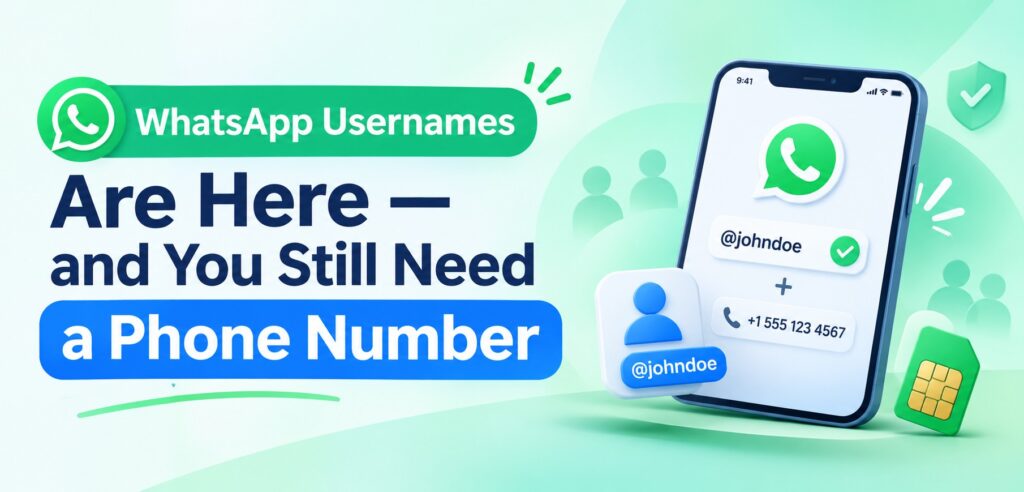
Since June 2026, WhatsApp has been rolling out usernames, and most of the coverage says the same thing: you can now use WhatsApp without giving out your phone number. That is true in one narrow sense and misleading in the way that matters.
WhatsApp’s own FAQ answers the obvious follow-up directly: you still need a phone number to register and use WhatsApp. The username is a second way to be reached, not a replacement for the number underneath it.
Here is what actually changed, what did not, and why this matters more than usual if the number on your account is rented.
What changed, in one table
| Before usernames | With a username | |
| New contact reaches you by | Your phone number | Your exact username, or your number |
| Does a new contact see your number | Yes | No, when you have a username enabled |
| Existing contacts | Phone number | Unchanged — they keep the number they saved |
| Account registration | Phone number | Still a phone number |
| Account recovery | Phone number | Still a phone number |
| Public discovery | None | None — no directory, no partial search |
The change is about discoverability, not identity. Your number stops being the thing strangers are handed; it stays the thing your account is built on.
How the rollout has actually gone
The dates matter, because a lot of articles describe this as a finished launch. It is not.
| When | What happened |
| 29 June 2026 | Meta opened username reservations, first come, first served |
| July 2026 | A limited set of accounts could start conversations by username; feature promoted in app stores |
| Through 2026 | Gradual rollout, country by country; no universal launch date published |
| As of October 2026 | Still not available to every account — availability is server-side and varies |
Practical consequence: if you do not see Settings → Account → Username, nothing is broken. Reservations and activation are separate stages, and reinstalling the app does not force access.
How usernames work
- Format: 3 to 35 characters, Latin letters, numbers, periods and underscores, and at least one letter. Handles are shown with an
@prefix. - Discovery: “zero discovery” — there is no browsable directory and no partial-match search. Someone must already know the exact handle.
- Your name is not your handle. The username does not have to match your profile name, job, or anything else.
- Changeable. You can change or remove it later.
- Businesses can have one too — through WhatsApp Business App or the Business Platform.
That first-contact privacy is real, and it is worth having. It is also narrower than it sounds: if someone already has your number, or you have an existing chat with them, the username changes nothing.
The username key, explained
The optional username key is the part most people miss, and it is the most useful one.
Once set, a first-time contact needs both your exact username and the key before their message reaches you. Get the key wrong and the attempt is blocked before it ever reaches your device — no notification, no preview, nothing to ignore.
Use it if you plan to publish your handle somewhere public: a website, a marketplace listing, a business card, a social profile. Without the key, a published username is an open door for anyone who reads it — a narrower door than a published phone number, but still open.
Why your number is still the account
This is the part that gets lost in the launch coverage. Three things remain true:
- Registration requires a number. No username-only accounts exist on WhatsApp — WhatsApp’s help centre is explicit that verifying a registration code sent to your number is the only way to activate the account.
- Re-verification goes to the number. New device, reinstall, or a security check and WhatsApp texts the number on file — not your username. (One nuance from the same help page: if you previously added and verified an email address, you can receive a re-registration code by email — but first-time registration still requires SMS or a voice call.)
- Losing the number means losing the account. If the number is reassigned, recovery runs through a phone you no longer control.
A username is a mask over the number. Remove the number and there is nothing holding the mask up.
What this means if you use a rented number
If the WhatsApp account sits on a number you rent rather than own, the username changes the risk profile in four ways:
Good: less number exposure. You can now post a contact handle publicly, or hand it to a client, without publishing the number that controls the account. That removes the most common route by which a rented number gets discovered, spammed, and reported.
Good: fewer “wrong number” reports. A handle you share deliberately is less likely to be picked up by bulk contact scrapers than a number published in a group description.
Unchanged: the rental clock. The username does not extend the number’s life. If the rental lapses, the account still goes with it. Rent for the period you intend to keep the account — on WhatsNumber, a virtual number on a 12-month term works out to $0.60 a month, versus $2 renewing monthly, and the number survives for as long as the account does.
Unchanged: verification still needs the number. Keep the number able to receive SMS and two-step verification turned on (WhatsApp is upgrading its 6-digit PIN to a full password — either protects the account). This is what stops a future holder of the same number from taking the account over.
If you are setting this up now: verify with a number you can hold, turn on two-step verification, then reserve a username as the public-facing contact. The number stays private; the handle does the introducing. (The mechanics of verifying WhatsApp on a rented number — which number types pass, which get rejected, and what every error code means — are covered in detail in our WhatsApp verification guide.)
What it means if you run a business on WhatsApp
Businesses can reserve usernames too, but the asymmetry is worth knowing: when a business messages a user, the business’s number is still shown. Users can reach you by username; you cannot hide behind it in outbound messages.
The deeper change is on the Business Platform side. Meta has been moving towards identifiers that survive a user hiding their number — a business-scoped user ID carried alongside message events — precisely because a CRM keyed only on phone numbers will start producing duplicate records as usernames spread.
If you build on the Business Platform, check Meta’s current documentation before changing your data model, and plan for customer records that can be matched on something other than a phone number. Do not assume today’s webhook payload is permanent.
Four myths worth clearing up
| Myth | Reality |
| “You can use WhatsApp without a phone number now” | No. A number is still required to register and to re-verify. |
| “A username hides your number from everyone” | No. Only from people who have never exchanged messages with you. Existing contacts keep the number they saved. |
| “Usernames make you anonymous” | No. Encryption is unchanged, and profile details, groups and behaviour still identify people. |
| “Everyone has it already” | No. Rollout is gradual and account-based; many users still do not see the option. |
FAQ
Do I still need a phone number to use WhatsApp?
Yes. WhatsApp’s own FAQ is explicit: a phone number is required to register and use the app. The username is an additional way to be contacted.
Will my contacts see my username instead of my number?
No. People who already have your number saved keep messaging you as before. The change applies to first contact from someone who knows only your username.
Can someone find me by guessing my username?
Only if they guess the exact handle — there is no directory or partial search. If you want a harder barrier, enable the username key.
Does a username change how verification works?
No. Codes still go to the registered number, and re-verification after a device change or security check still uses that number.
What kind of number should a WhatsApp account sit on?
One you can hold for as long as the account matters, and one that is yours alone — a shared or recycled number is the fastest route to losing an account you have invested in. A dedicated rental such as a WhatsNumber virtual number ($2 a month, $7.20 a year) covers the common case; if a platform or contact screens VoIP ranges, step up to a real mobile number on the same account.
Can I delete my username later?
Yes. It can be changed or removed, though reporting suggests conversations may then show your number again to those who only knew the handle.
Is this available in my country yet?
Not necessarily. The rollout is staged and account-based. Check Settings → Account → Username rather than relying on a launch date.
WhatsApp usernames are a genuine privacy improvement, and a narrow one: they stop strangers from being handed your number. They do not change what the account is built on — a phone number that must stay reachable, because that is where every future verification code goes.
So use the username as the public face, keep the number private, and treat the number itself as the thing worth protecting.