


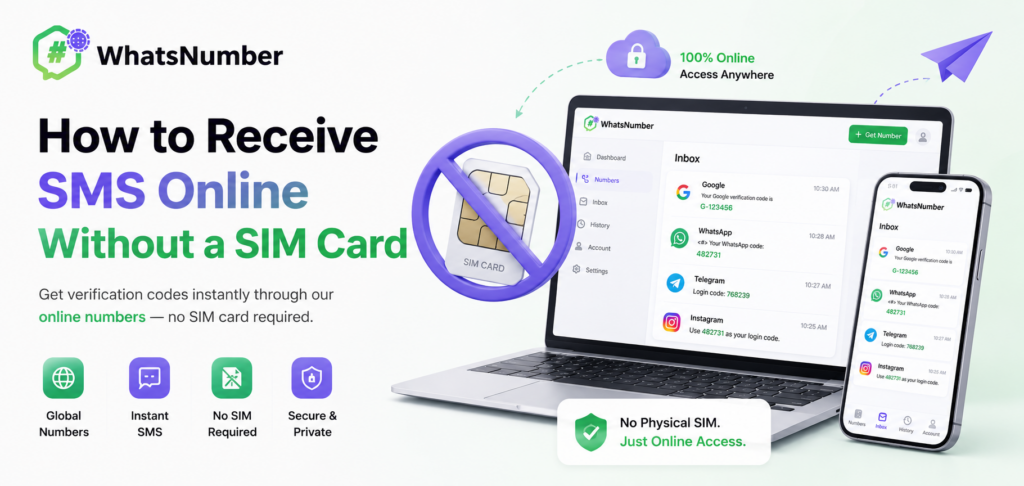
Many online services require phone verification before you can create an account. Normally, this means entering your mobile number and waiting for an SMS verification code.
But you do not always need another physical SIM card to receive an SMS.
With an online phone number, you can receive SMS verification codes through a web-based inbox. This can be useful when you need a separate number for online registration, app verification, international services, or account testing.
Here is how receiving SMS online without a SIM card works.
Can You Receive SMS Without a SIM Card?
Yes, depending on the type of phone number you use.
Virtual phone numbers are managed through online communication infrastructure rather than requiring you to insert a physical SIM card into a phone.
When an SMS is sent to the number, the message can be displayed in an online dashboard.
Real mobile numbers can also be managed through online services when the provider supports web-based SMS access.
The key difference is that you are accessing the SMS through the service’s online interface instead of relying directly on your personal mobile device.
How to Receive SMS Online Without a SIM Card
The process is straightforward.
Step 1: Sign Up for an Online SMS Service
Create an account on a service that provides online phone numbers.
Step 2: Select a Country
Choose the country associated with the phone number you need.
For example:
- United States
- Canada
- United Kingdom
- Other available countries
Country availability depends on the provider.
Step 3: Select a Phone Number
Choose an available virtual or real phone number.
If both types are available, select the option that best matches the verification service you plan to use.
Step 4: Enter the Number for Verification
Enter your selected number on the website or application that requests SMS verification.
Step 5: Check Your Online Inbox
When the platform sends an SMS verification code, open your online SMS inbox and view the incoming message.
Step 6: Enter the OTP
Copy the verification code and enter it into the website or app.
No physical SIM card is required for the online workflow.
Why Would You Need SMS Without a SIM Card?
- You Need an International Number
You may be outside the country where a particular online service operates.
An international phone number can be useful when a service requires a local number for registration or verification.
- You Do Not Want to Share Your Primary Number
Using a separate phone number can help keep your personal number private when registering for online services.
- You Need a Separate Number for Work
A separate verification number can help distinguish work-related registrations from your personal mobile number.
- You Are Testing an Online Service
Developers, QA teams, and digital businesses may need additional phone numbers when testing SMS registration or verification flows.
- You Want to Avoid Managing Another Physical SIM
Buying, activating, and maintaining additional SIM cards can be inconvenient, particularly when you only need the number for online SMS access.
Online Phone Number (WhatsNumber) vs. Physical SIM Card
A physical SIM card requires a compatible mobile device and cellular network connection.
An online phone number can be managed through a browser-based platform.
| Feature | Physical SIM | Online Phone Number |
| Physical card | Required | Not required for online numbers |
| Device | Usually required | Web browser |
| International access | Depends on roaming | Select available country |
| Multiple numbers | Requires multiple SIMs | Manage through online service |
| SMS access | Phone | Online inbox |
| Setup | SIM activation | Online activation |
The best option depends on your specific use case.
Are Online Numbers the Same as Temporary Numbers?
Not always.
Some online services offer short-term numbers, while others provide longer rental periods.
A number can be rented for a short verification task or maintained for a longer period depending on the provider.
For users who need repeated access to SMS messages, longer rental periods can be more practical than one-time numbers.
Virtual Numbers and Real Numbers
Online SMS services can offer different types of numbers.
Virtual Phone Numbers
Virtual numbers are managed through online communication infrastructure and are convenient for web-based SMS reception.
Real Mobile Numbers
Real mobile numbers are associated with actual mobile network resources and can provide an alternative when a platform has stricter number requirements.
WhatsNumber provides both virtual and real phone numbers where available — neither requires a physical SIM card — allowing users to select the number type that best fits their needs.
What Types of Messages Can You Receive?
An online SMS inbox can receive messages such as:
- SMS verification codes
- One-time passwords
- Account activation codes
- Registration codes
- Login verification messages
- Service notifications
The exact messages you can receive depend on the originating platform and the selected number.
How to Choose an Online SMS Number
Before renting a number, consider these factors:
Country
Choose the country required by the website or application.
Number Type
Compare virtual and real numbers based on your verification needs.
Rental Period
If you expect to receive multiple messages over time, consider a longer rental period.
Privacy
A private rental number is generally preferable to a public inbox when you want greater control over your messages.
Platform Compatibility
Different websites and apps may have different requirements for phone numbers. No provider can guarantee acceptance by every third-party service.
Conclusion
You do not always need a physical SIM card to receive SMS online.
An online phone number can provide a convenient way to receive OTP codes, verification messages, and account activation texts directly through a web-based inbox.
For users who need international numbers, privacy, or flexible access, choosing between virtual and real phone numbers can provide more flexibility than purchasing another physical SIM card.
WhatsNumber lets users register online, choose an available country and number type, and manage incoming verification messages through the web.